> For the complete documentation index, see [llms.txt](https://docs.edgegap.com/llms.txt). Markdown versions of documentation pages are available by appending `.md` to page URLs; this page is available as [Markdown](https://docs.edgegap.com/zh/docs/endpoint-storage.md).
# 端点存储
将 S3 存储桶注册到 Edgegap Endpoint Storage,用于将部署日志从你的部署中转移到你自己的长期存储中。
端点存储(Endpoint Storage)允许您在我们的系统中注册一个 S3 存储桶。当在我们的环境中设置了端点存储后,您将能够存储部署中的某些数据,例如容器的日志。
{% hint style="info" %}
如果您已经设置了端点存储并想知道如何保存容器日志,请参阅下一节 [如何保存部署容器日志](/zh/docs/endpoint-storage/save-container-logs.md).
{% endhint %}
### 如何设置端点存储
如果按照这些快速步骤操作,注册您的 S3 存储桶非常简单。
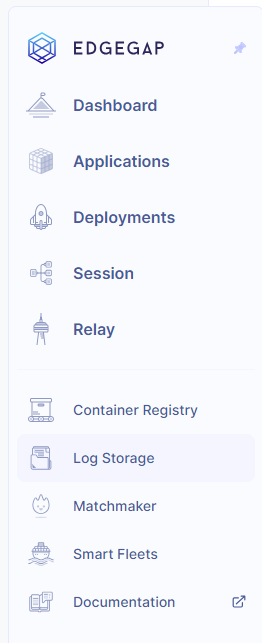
要查看并设置新的端点存储,您需要前往左侧菜单并点击 `日志存储` 菜单项。
 首次进入此页面时,列表中不会显示任何端点存储。点击右上角的创建按钮。系统会提示您填写此表单。所有字段均为必填项。
 **名称**
您希望在我们平台上为端点存储设置的名称。它必须是唯一的,因为您将在某些 API 调用中使用它。
**访问密钥 ID**
很直接,即您的 S3 存储桶的访问密钥 ID。
**密钥访问密钥**
您 S3 存储桶的密钥访问密钥。此字段会被加密,保存端点存储后您将无法修改它。如果您输入了错误的访问密钥也无需担心,您可以完全删除该端点存储并创建新的。
**端点 URL**
您的 S3 存储桶 URL。请确保包含完整链接(https\://、http\:// 等)。您将在后续流程中进行测试。
**Linode**
{% hint style="warning" %}
对于 Linode,端点 URL 不应包含存储桶名称。例如:如果您的 S3 存储桶 URL 为 URL 为
{% endhint %}
**AWS**
{% hint style="warning" %}
对于 AWS,端点 URL 必须包含存储桶名称。例如:如果您的 S3 存储桶名称为 my-test 且存储桶 URL 为 URL 为
{% endhint %}
**存储桶**
您的存储桶名称。请确保填写与凭证关联的正确名称。否则我们将无法正确访问它。
### 管理您的端点存储
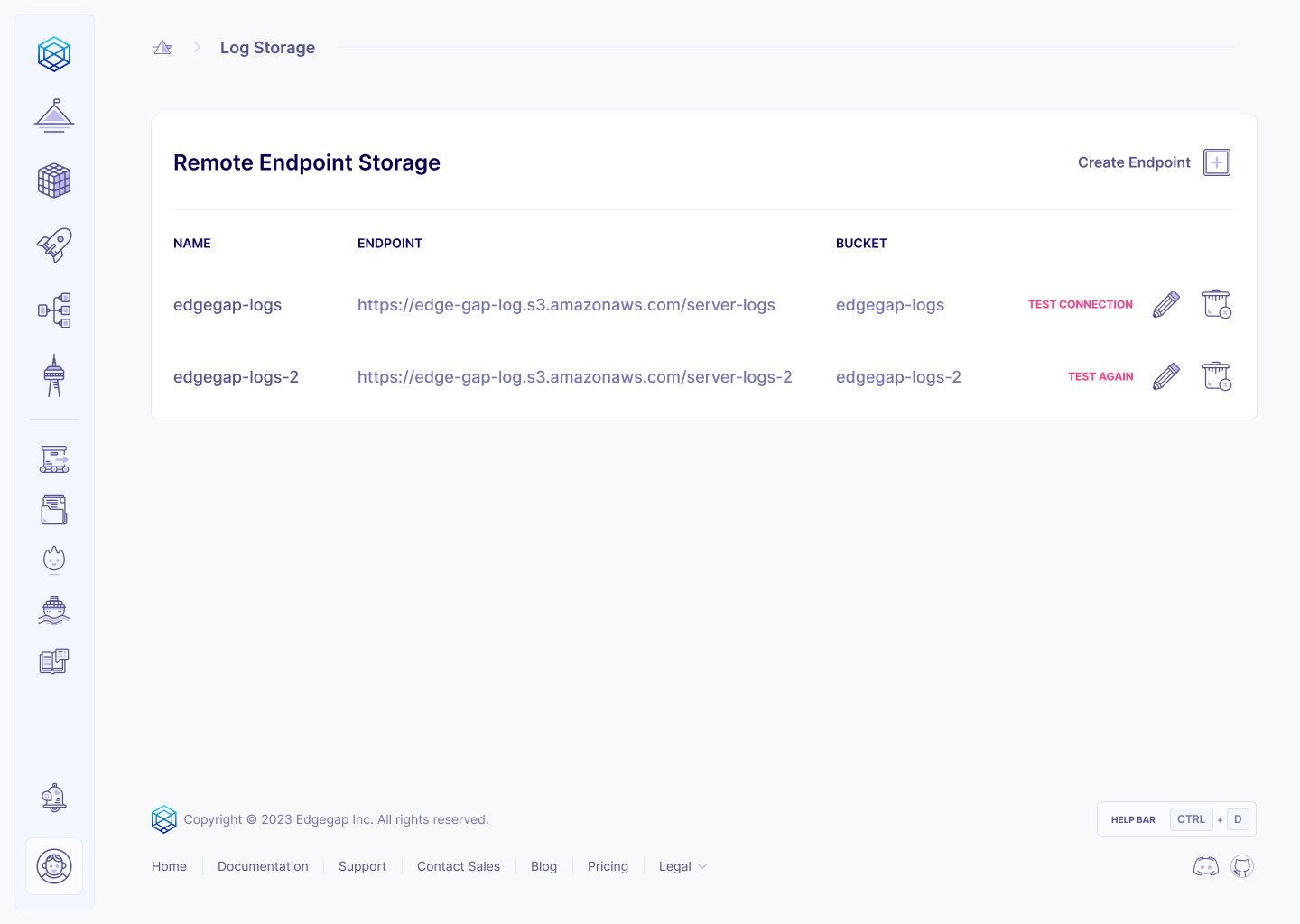
您可以通过右上角菜单访问所有可用的端点存储。您可以删除并测试您的端点存储。我们不会删除您的 S3 存储桶,我们仅从系统中移除连接信息。如果要更新端点存储,必须删除它并创建一个新的。
当您按下“测试”按钮时,系统将在您的 S3 存储桶的 “edgegap” 目录下上传一个名为 “connection\_test” 的文件。系统会弹出提示框通知您是否成功。如果失败,可能是您的端点存储配置有误。
**名称**
您希望在我们平台上为端点存储设置的名称。它必须是唯一的,因为您将在某些 API 调用中使用它。
**访问密钥 ID**
很直接,即您的 S3 存储桶的访问密钥 ID。
**密钥访问密钥**
您 S3 存储桶的密钥访问密钥。此字段会被加密,保存端点存储后您将无法修改它。如果您输入了错误的访问密钥也无需担心,您可以完全删除该端点存储并创建新的。
**端点 URL**
您的 S3 存储桶 URL。请确保包含完整链接(https\://、http\:// 等)。您将在后续流程中进行测试。
**Linode**
{% hint style="warning" %}
对于 Linode,端点 URL 不应包含存储桶名称。例如:如果您的 S3 存储桶 URL 为 URL 为
{% endhint %}
**AWS**
{% hint style="warning" %}
对于 AWS,端点 URL 必须包含存储桶名称。例如:如果您的 S3 存储桶名称为 my-test 且存储桶 URL 为 URL 为
{% endhint %}
**存储桶**
您的存储桶名称。请确保填写与凭证关联的正确名称。否则我们将无法正确访问它。
### 管理您的端点存储
您可以通过右上角菜单访问所有可用的端点存储。您可以删除并测试您的端点存储。我们不会删除您的 S3 存储桶,我们仅从系统中移除连接信息。如果要更新端点存储,必须删除它并创建一个新的。
当您按下“测试”按钮时,系统将在您的 S3 存储桶的 “edgegap” 目录下上传一个名为 “connection\_test” 的文件。系统会弹出提示框通知您是否成功。如果失败,可能是您的端点存储配置有误。